A more powerful start menu

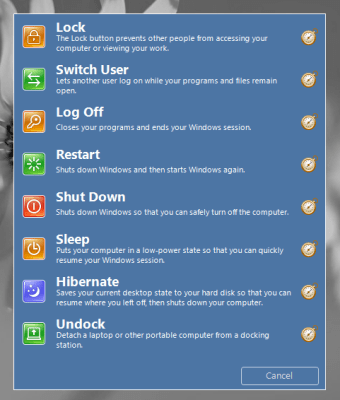
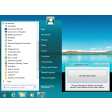
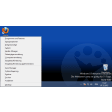
Start Button 8 brings a smarter, more customizable start menu to Windows.

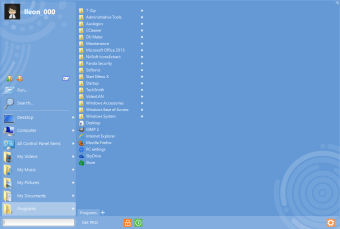
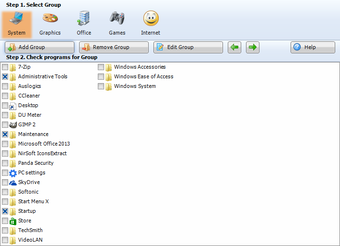
While Windows 8 users may be missing the traditional start menu, Windows 7, Vista, and XP users can also benefit from installing Start Button 8. It is a fully customizable start menu that features the ability to create smart folders or 'virtual groups.'

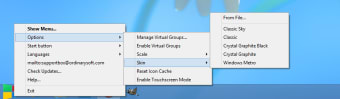
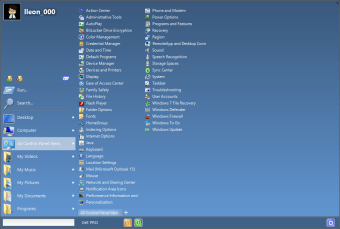
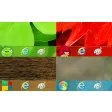
Users have the ability to skin the start menu and button. Included with the application are some fun Angry Birds themed buttons and some pretty lack luster skins for the start menu. Start Button 8 differs a little from the stock start menu by making it quicker to access items. You only have to hover over an item for it to expand.

There is also an integrated search bar in Start Button 8 but its performance is a bit lacking as the stock Windows 7 search is quicker. While it's nice to see all of your options automatically appear when hovering, it requires users to be precise with their mouse movements.

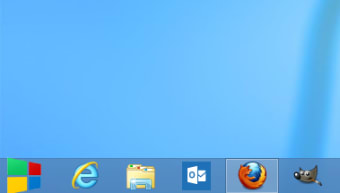
For Windows 8 users, Start Button 8 offers a way to get back the traditional start menu. It doesn't block access to the Windows 8 Modern UI but it does make it a bit more cumbersome to get to. You'll have to activate the 'charms' and click on 'Start' to get into Metro.

It's also a bit disappointing that Start Button 8 doesn't disable booting into the Windows 8 Modern UI. Many users who are using Windows 8 as a desktop operating system will likely benefit from this feature. Hopefully the developers will include it in the future.

Overall, Start Button 8 offers a few unique features but its performance and interface give little reason for users to replace the stock start menu.
  • Pros

    • Ability to create virtual groups
    • Customizable skins
    • Skin editor and creator
  • Cons

    • Must upgrade to Pro version for all the features
    • Default skins look dated
    • Doesn't help boot to the desktop
 0/6

App specs

  • License

    Free

  • Version

    7.35
  • Latest update

  • Platform

    Windows

  • OS

    Windows XP

  • Language

    English

    Available languages

    • German
    • English
  • Downloads

    37.7K

    Last month's downloads

    • 20
  • Size

    14.76 MB

  • Developer

Program available in other languages


User reviews about Start Button 8

Have you tried Start Button 8? Be the first to leave your opinion!

Add review

You may also like

Alternatives to Start Button 8

Explore Apps

Latest articles

Laws concerning the use of this software vary from country to country. We do not encourage or condone the use of this program if it is in violation of these laws.
Softonic

Is Start Button 8 safe?

100/100

Score result: Clean

This file passed a comprehensive security scan using VirusTotal technology. It is safe to download.

  • Virus free
  • Spyware free
  • Malware free
  • Verified by Security Partners

    VirusTotal logo

Scan Info

Last scan
Thursday, September 19, 2024
Scan provider
VirusTotal · Full report

File Integrity

File
Start_Button_8_V7.35.exe
SHA256
e121cd4341b6ee5c394102e2c15470fc744b2cfe189d1a7f5ecc6db0fb1d9bd0
SHA1
bfc65a0cd9750023ae56fa5294cf824a50849d2e

Softonic security commitment

Start Button 8 has been thoroughly scanned by our advanced security systems and verified by industry-leading partners. This file comes from the official developer and has passed all our security checks, showing no signs of viruses, malware, or spyware. For more information, visit our Security and Trust Center